

Pentaline app icon
Download Pentaline on the App Store

Pentaline


Pentaline — The Game

The Game

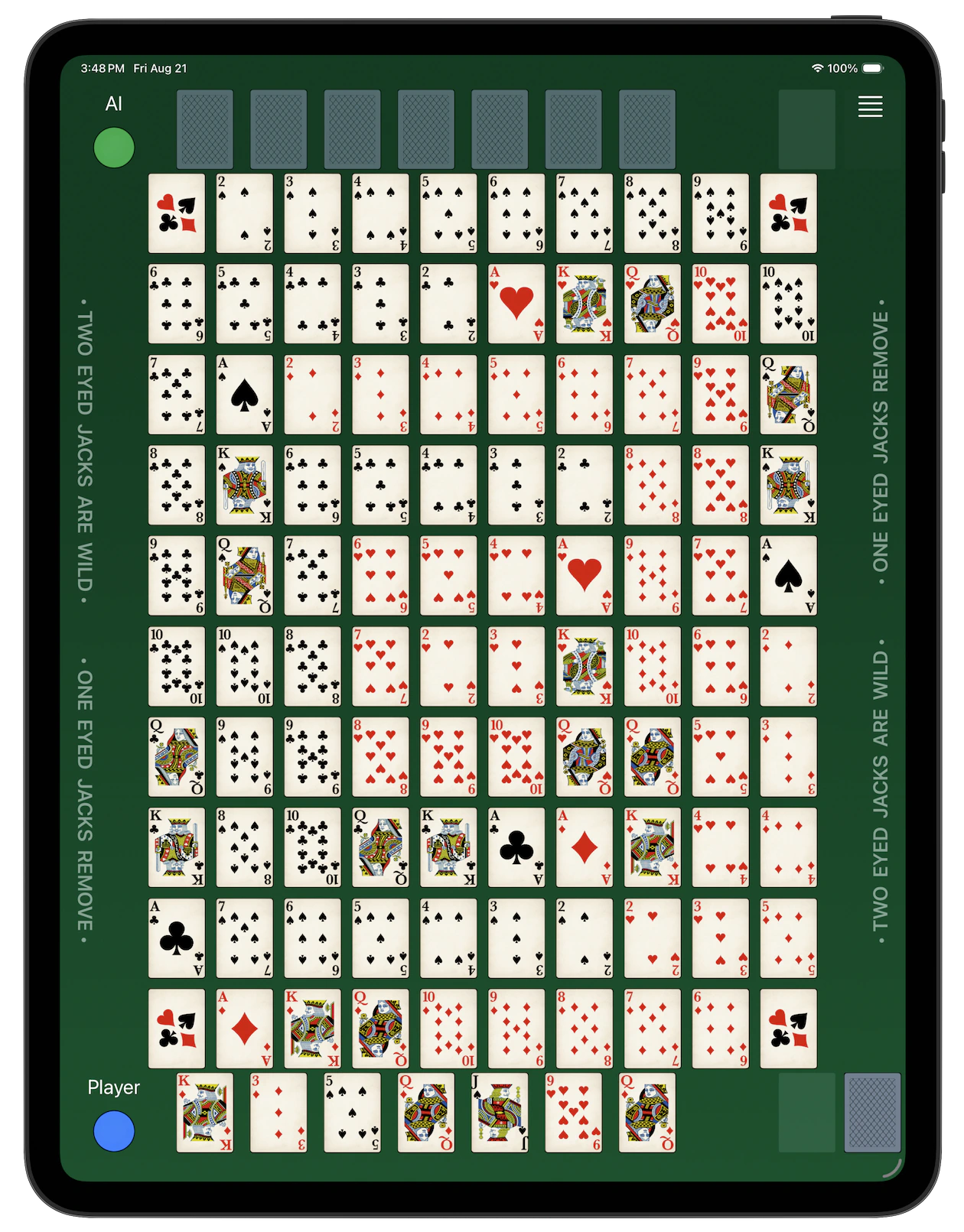
Pentaline is played with two decks of 52 cards each, on a board printed with card faces.

This game is set up for a single player against AI.

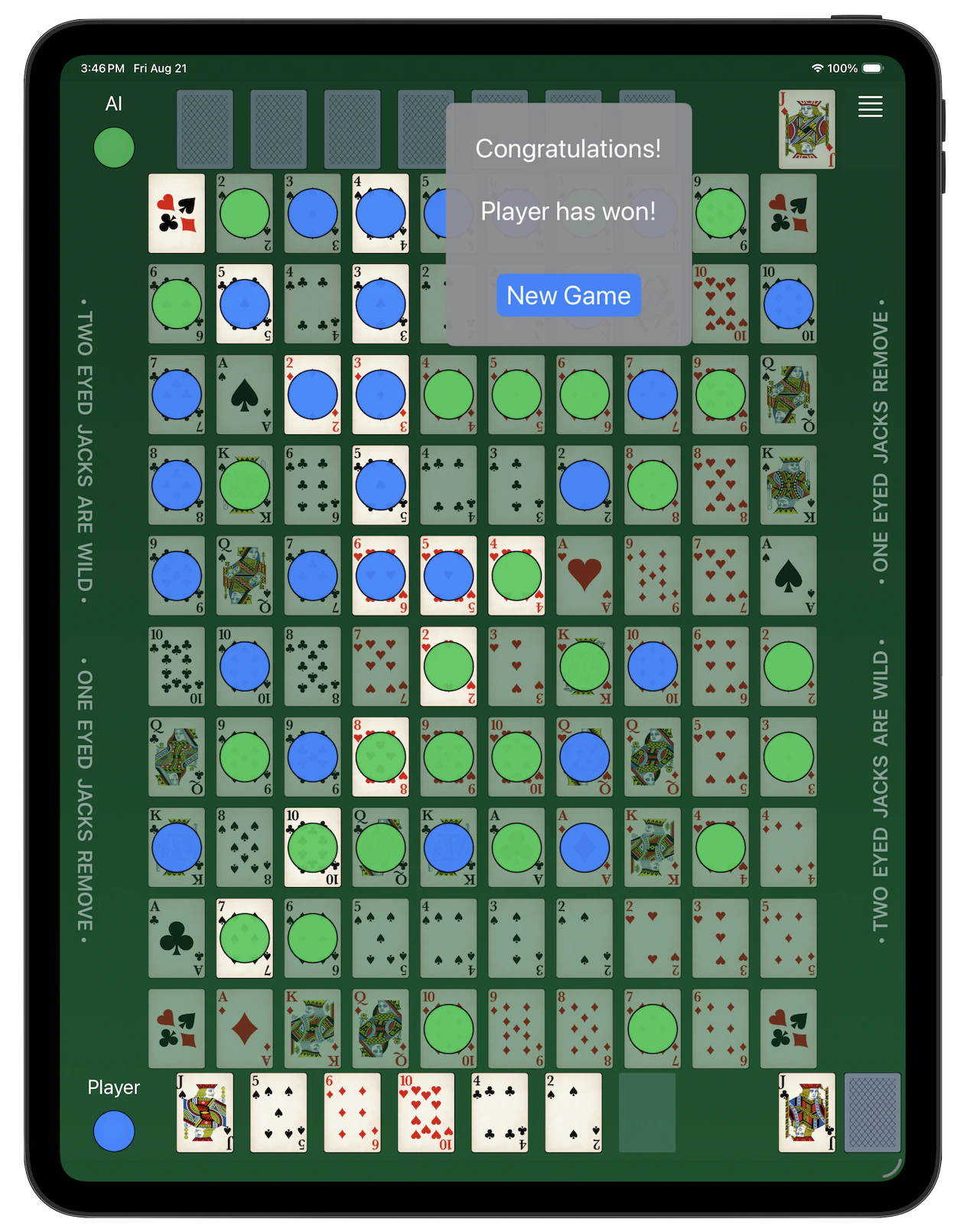
The goal is to claim five cards in a row - vertical, horizontal or diagonal - with your chips. The four Jokers at the corners count as a chip of any color.

If you have played the classic card-and-chip board game, you already know the rules.

Each player is dealt seven cards. The move consist of selecting and discarding a card from your hand, placing a chip on a matching card on the board, and getting a new card from the deck.

You can either tap a card in your hand to discard it and then tap the board to place your chip, or simply tap the board and let the app figure out which card to discard.

Jacks do not appear on the board. They have special roles:

Jacks with two eyes visible (J♣ and J♦) are wild; they allow you to place your chip on any open card on the board.

Jacks with one eye visible (J♠ and J♥) allow you to remove any of the opponent’s chips from the board.

If you have a card that has chips on both matching cards on the board, it is considered a Dead Card. You may swap it for a new card on your turn by discarding it; then continue with your move.
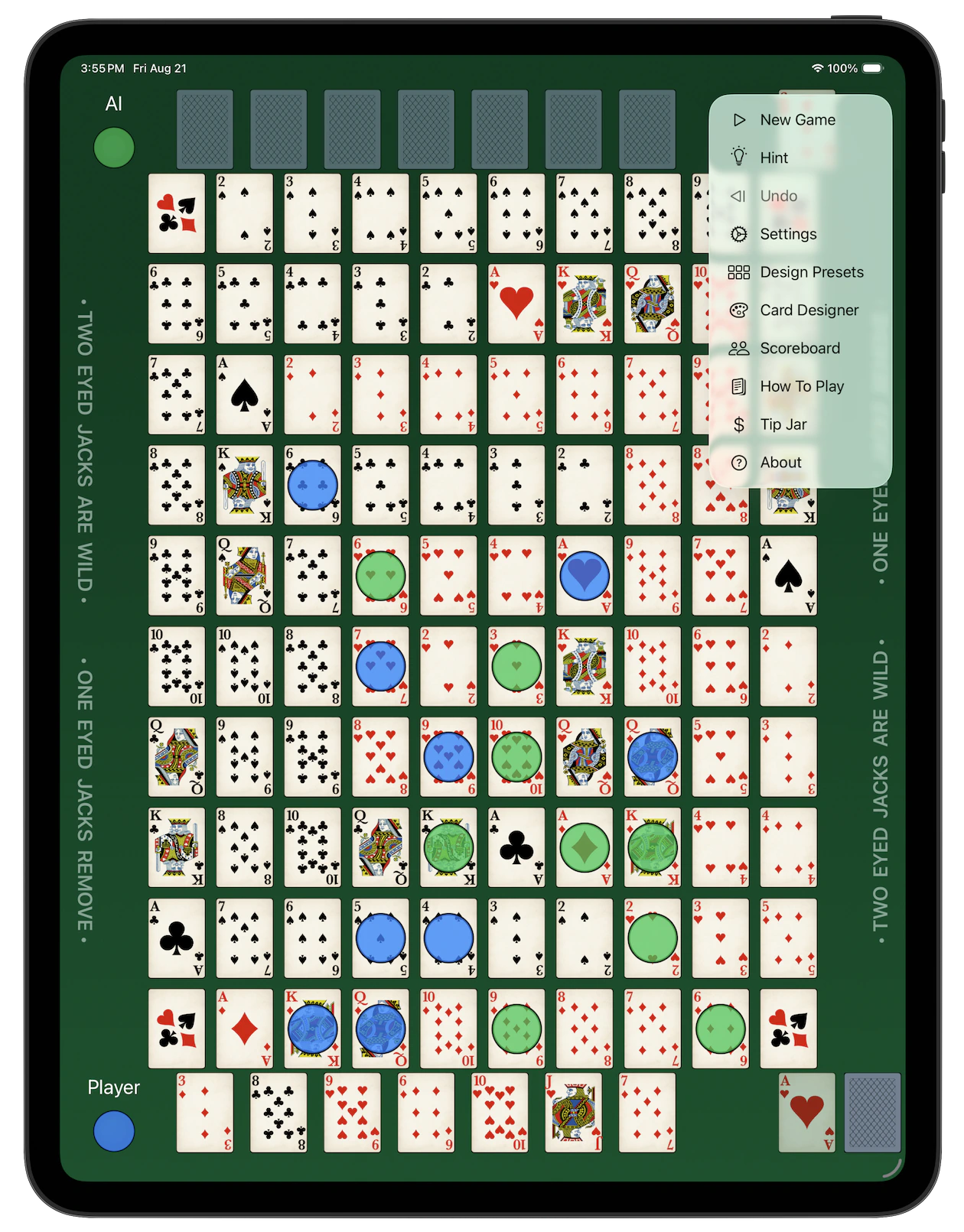
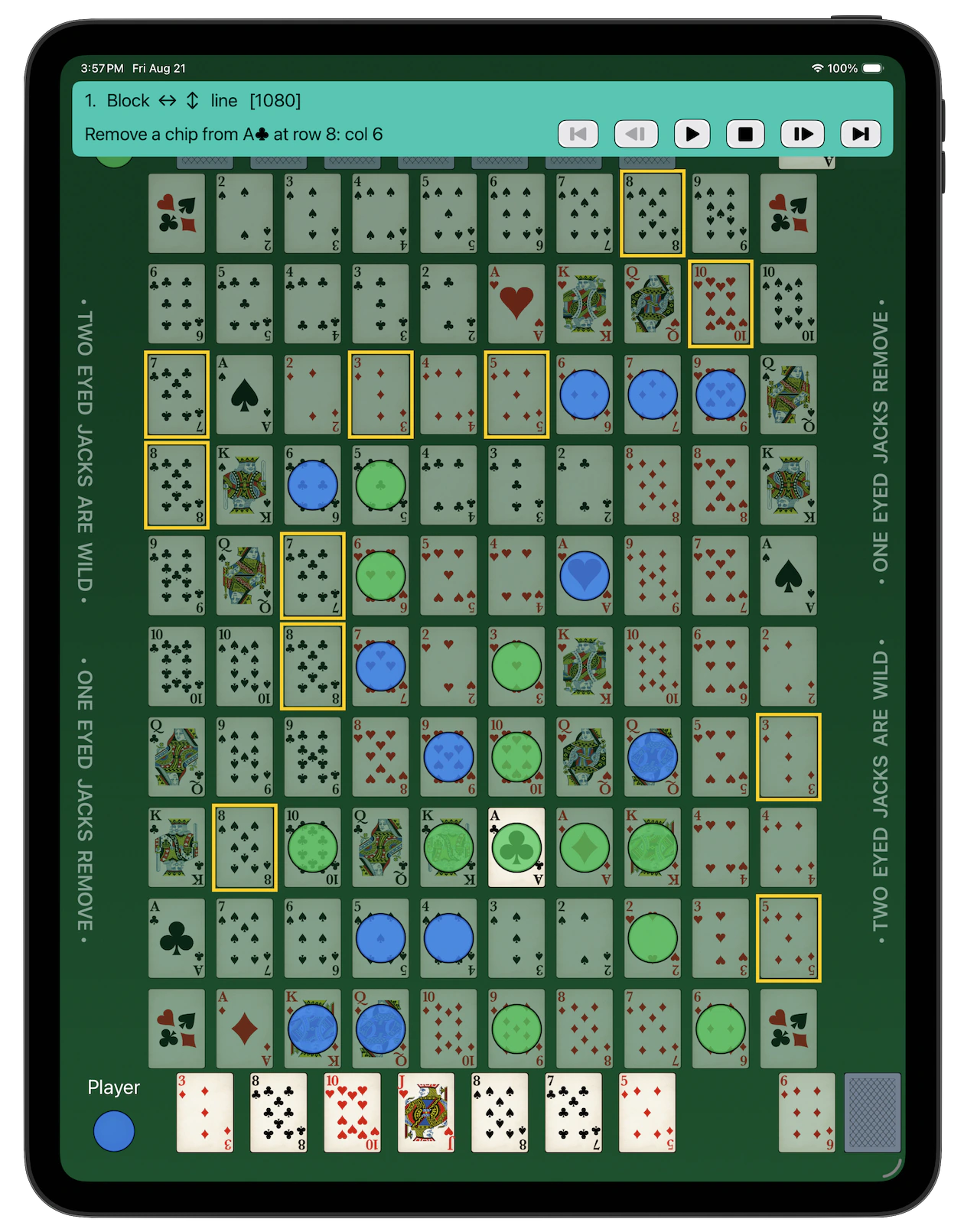
Pentaline — Menu

Menu

You can control the game through the menu with the following commands:

  • New Game - reshuffle the decks and start a new play.
  • Hint - provide an on-screen hint for all valid moves. The cards on which you can place your chip on the board are outlined in green. If you hold a dead card, it will be outlined in red.
  • Undo - if you discarded a wrong card, you can undo before you tapped the board; if you tapped the board, you have 1 second (extendable to 3 seconds in Settings) to undo it, then a new card is dealt and the turn goes to AI.
  • Settings - configure different options the way you like it.
  • Scoreboard - see your score against AI. You can get to the Game Center Leaderboard to compare your score to other players.
  • How To Play - see the documentation.
  • About - brief information about this app, including the links to our website and our Facebook page.

Pentaline — Smart Hint

Smart Hint

If Smart Hint option is selected in the Settings, requesting a hint brings up a panel at the top of the screen with the explanation of every available move, sorted by their relative score (best moves first).

When you cycle through the moves, the board highlights all possible lines and flashes the suggested move.

The following information is displayed for each move:

  • Move number

  • Goal

    • Win - add a chip to complete a line.
    • Block - add a chip to block opponent’s line.
    • Build - add a chip to continue an existing line.
    • Start - place a chip to start a new line.
    • Arrows indicate the direction of the possible lines.
  • Move description - what card to play at what location.

  • A toolbar at the bottom of the pannel:

    • First - go to the first move.
    • Previous - go to the previous move.
    • Play - play the current move.
    • Stop - stop and close the Smart Hint panel.
    • Next - go to the next move.
    • Last - go to the last move.

Pentaline — Settings

Settings

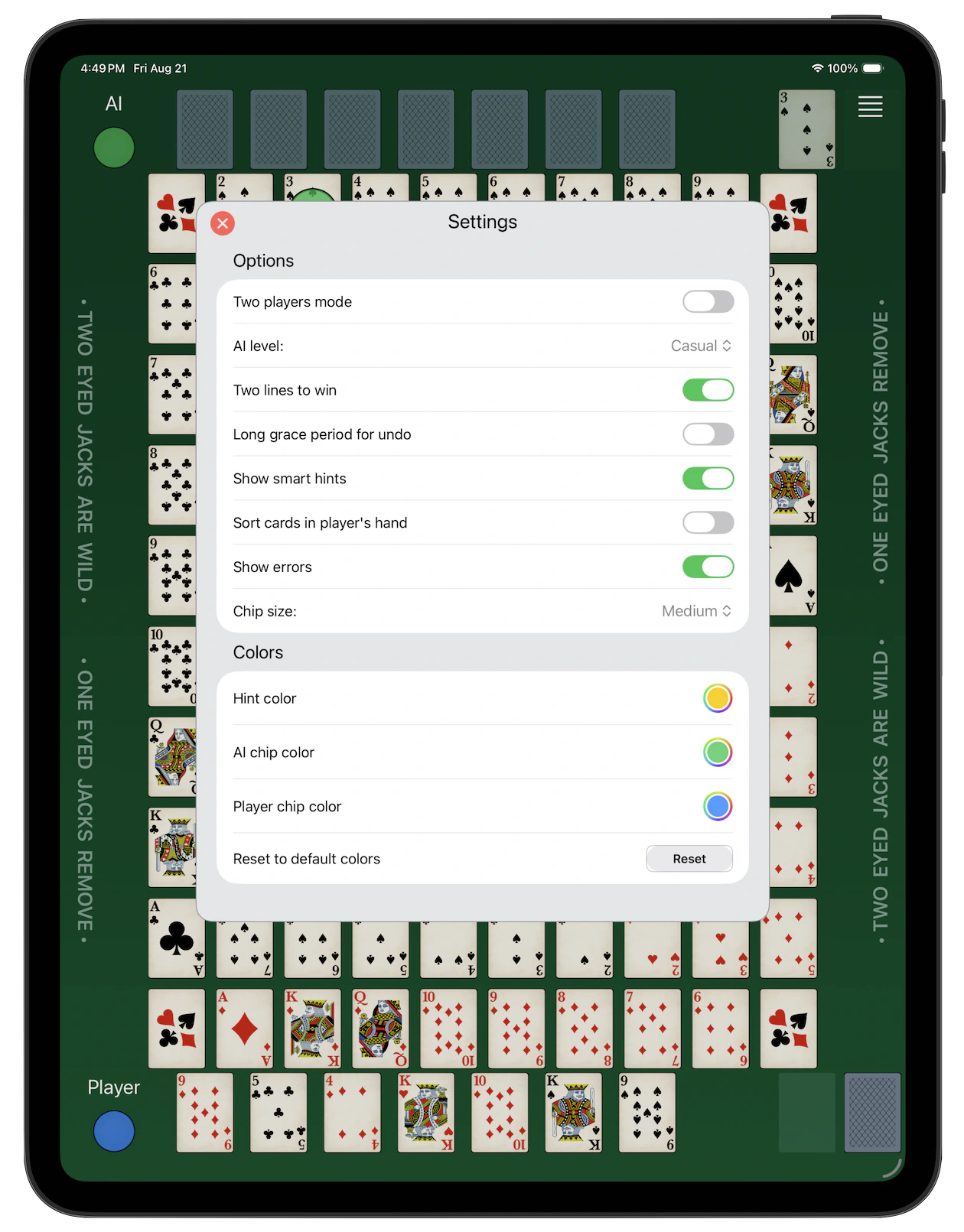
You can configure different options the way you like it:

  • Two lines to win - require two completed lines to win the game.
  • Long grace period for undo - extend the grace period to take your move back to 3 seconds.
  • Show smart hints - show smart hint panel instead of simple outline.
  • Sort cards in player’s hand - re-sort cards in player’s hand by suit, then by rank after new card is dealt.
  • Show errors - show an error message if you attempt an invalid move.
  • Card size - select small, medium or large print cards.

You can also select the colors to be used for outlining cards that match your hand whe Hint is requested, and for both AI and player’s chips.


Gestures

You can control the game with the following gestures:

  • Tap a card in your hand to discard it.
  • Tap a card on the board to place your chip on it. If you already discarded a card, it must match the card on the board. Otherwise, the matching card will be discarded from your hand.
  • Swipe left - undo your move.
  • Swipe right - show Hint.
  • Swipe up - bring up the Settings view.

Pentaline — Score

Score

When one of the players completes a line (or two, if selected in Settings) of five chips in a straight line, he wins the game.

Please try your skills against our AI.

Make sure to compare your score with the other players on the Game Center Leaderboard accessible through the Scoreboard menu.